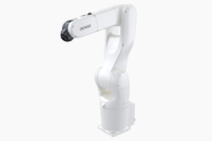
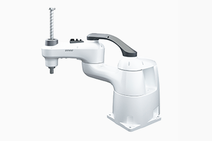
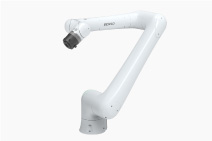
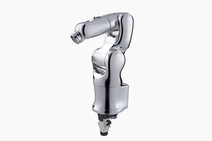
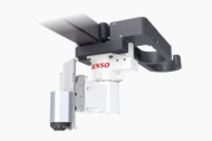
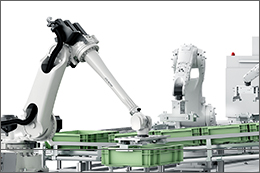
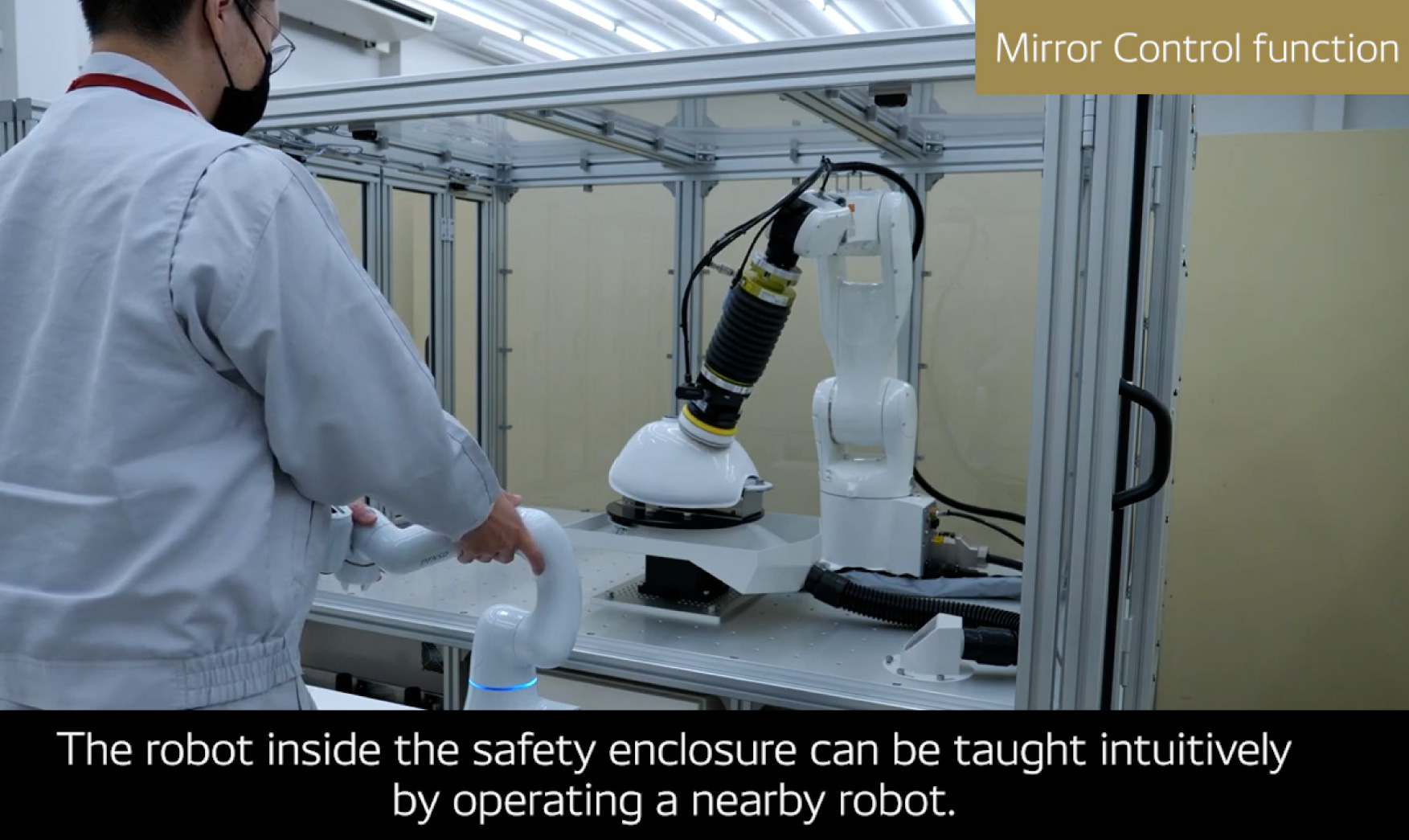
5- and 6- Axis Robots:VM-G Series
Model name
  • VM-6083G / VM-60B1G
Max reach
  • Approx.1000mm / 1300mm
Max. payload 10kg
Cycle time 0.89 - 0.95sec.
Robot
Basic Spec. Dimensions
Dust & Mistproof Spec. Dimensions
Cleanroom Spec. Dimensions
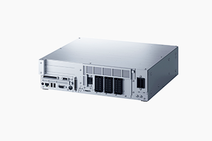
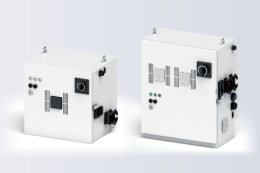
RC7M Controller
Basic Spec. Dimensions
Extended_joints Spec. Dimensions

Standard Components

Item Q'ty Item Q'ty
Robot unit Robot unit 1 Robot controller Robot controller 1
Power cable (5 m) Power cable (5 m) 1 Manuals(“Manual Pack CD” and “Safety Precautions”) Manuals
(“Manual Pack CD” and “Safety Precautions”)
1 set
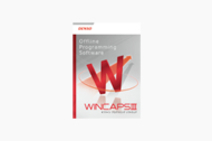
NetwoRC CD (containing WINCAPSII beta version) NetwoRC CD (containing WINCAPSII beta version) 1 Spare fuses for robot controller Spare fuses for robot controller 3
Initialization floppy disk (1.44 MB format) (Note 1) Initialization floppy disk (1.44 MB format) (1) 1 Pendantless connector (Dummy connector) (not contained in UL-Listed robot systems) Pendantless connector
(Dummy connector)
(not contained in UL-Listed robot systems)
1
  Connector set for hand control signals (for CN20 and CN21) 1 set Direction indicator label Direction indicator label (2) 1
Warning label Warning label (3) 1 Spare output IC for robot controller Spare output IC for robot controller 1
Short sockets for robot controller Short sockets for robot controller 2      
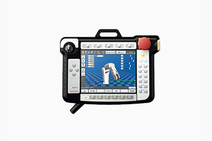
  1. Note 1:Preserve the initialization floppy disk in a safe place. The disk contains arm data in WINCAPSII format. If a memory error appears on the teach pendant due to a memory failure, use the disk to load the arm data to the robot controller. (Refer to the INSTALLATION & MAINTENANCE GUIDE, "Using the Initialization Floppy Disk.")
  2. Note 2:After installation, attach the direction indicator label in a position on the robot unit that can be easily seen.
  3. Note 3:Attach the warning label on the robot safety fence or other location where workers will easily notice it. If necessary, prepare a plate for attaching the seal.

矢印Page Top