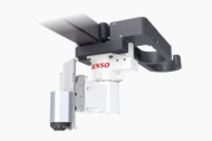
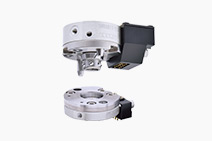
Cartesian Coordinate Robots:XYC4-G Series
Model name
  • XYC-40***G-L(R)
Max. payload 10kg
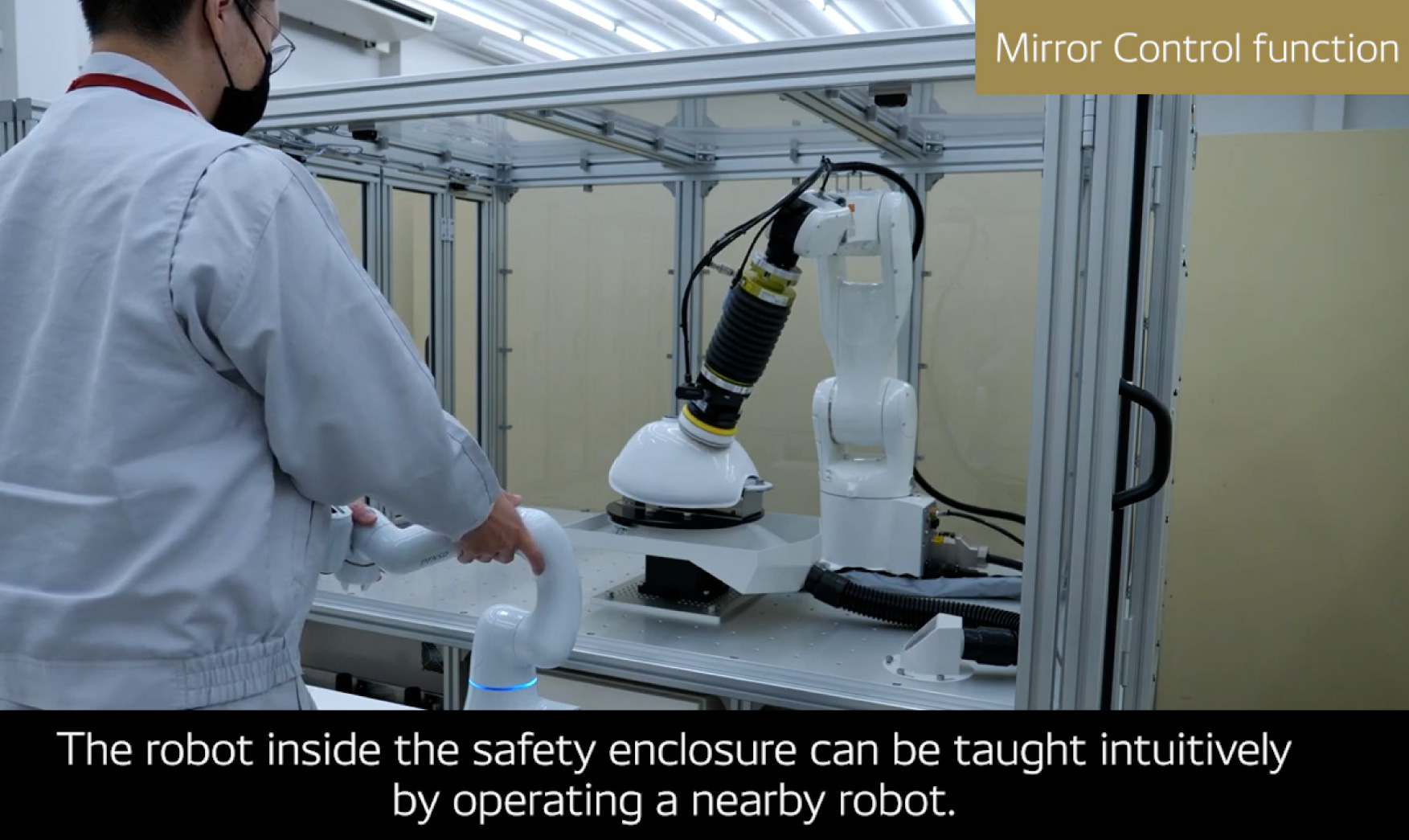
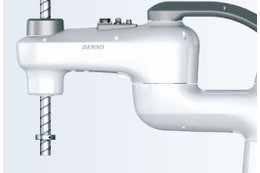
Robot
Basic Spec. Dimensions
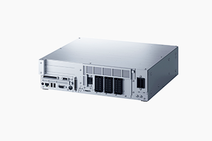
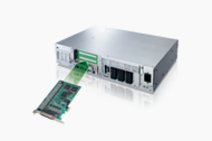
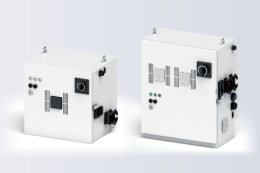
RC7M Controller
Basic Spec. Dimensions
Extended_joints Spec. Dimensions

Standard Components

Item Qty.
Robot unit 1
Robot controller 1
Power supply cable(5m) 1
Air regulator 1
Manuals ("Manual Pack CD" and "Safety Precautions") 1 set
NetwoRC CD (containing WINCAPSII beta version) 1
Spare fuse for robot controller 3
Initialization floppy disk(1.44 MB format)(Note 1) 1
Pendantless connector(Dummy connector) 1
Connector set for end-effector control signals(for CN20 and CN21) 1 set
Direction indicator label(Note 2) 1
Warning label(Note 3) 1
Spare output IC for robot controller 1
Short sockets for robot controller 2
  1. Note 1: Not only the standard power cable but also the UL-compliant one is available. The CE-compliant one consists of a power connector only.
  2. Note 2: Choose a robot control cable set from Table 1-2.
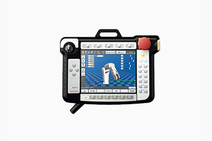
  3. Note 3: Preserve the initialization floppy disk in a safe place. The disk contains arm data in WINCAPSII format. If a memory error appears on the teach pendant due to memory failure, use the disk to load the arm data to the robot controller. (Refer to Section 6.10 "Using the Initialization Floppy Disk.").
  4. Note 4: Attach the direction indicator label in a position on the robot unit that can be easily seen after installation.
  5. Note 5: Attach the warning label on the robot safety fence or other location where operators will notice it.If necessary, prepare a plate for attaching the seal.

TIP: The XYC-4D series may provide an extended-joint support system (capable of controlling up to two extended-joints). For details about the extended-joint support system, refer to the SUPPLEMENT (No. 410002-6090) to the robot instruction manuals.

矢印Page Top