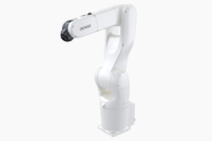
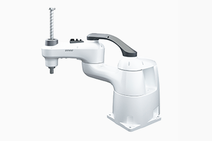
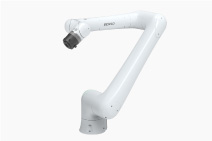
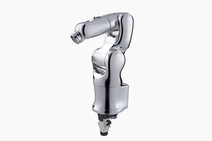
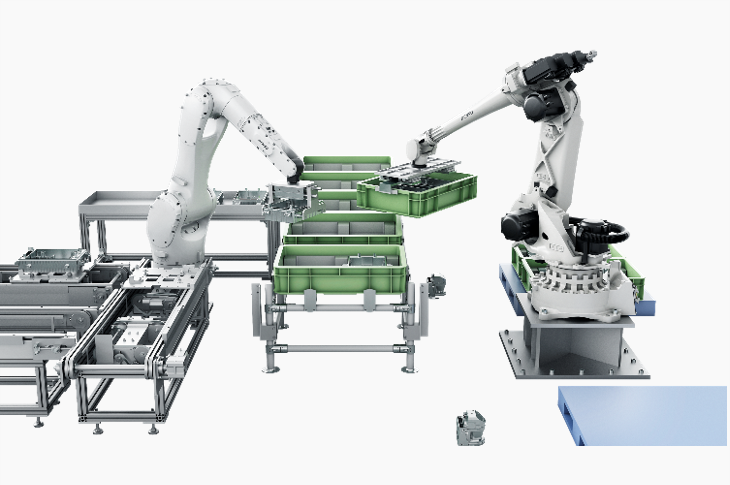
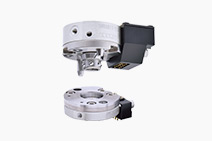
XR-G Series
Item Q'ty Item Q'ty
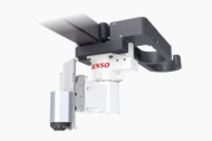
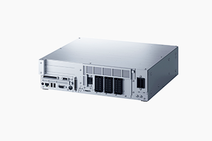
Robot unit 1 Robot controller 1
Power cable (5 m) 1 Manuals (“Manual Pack CD” and “Safety Precautions”) 1 set
WINCAPSIII beta version 1 WINCAPSII beta version 1
Spare fuses for robot controller 3 Initialization floppy disk (1.44 MB format) (1) 1
Pendantless connector (Dummy connector) (not contained in UL-Listed robot systems) 1 Connector set for hand control signals (for CN20 and CN21) 1 set
Direction indicator label(2) 1 Warning label (3) 1
Spare output IC for robot controller 1 Eyebolts (for transportation) *Attached to the robot unit when shipped. 2
Short sockets for robot controller 2  
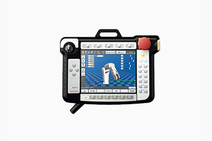
    1.Preserve the initialization floppy disk in a safe place. The disk contains arm data in WINCAPSII format. If a memory error appears on the teach pendant due to a memory failure, use the disk to load the arm data to the robot controller. (Refer to the INSTALLATION & MAINTENANCE GUIDE, "Using the Initialization Floppy Disk.")
    2.After installation, attach the direction indicator label in a position on the robot unit that can be easily seen.
    3.Attach the warning label on the robot safety fence or other location where workers will easily notice it. If necessary, prepare a plate for attaching the seal.